
Canva templates are one of the highest-margin digital products available in 2025. Create a template once, list it on Etsy, and earn every time someone downloads it — zero additional production cost, zero shipping, zero inventory management.
This guide covers exactly what types of templates sell best, how to create professional-quality designs with Canva’s free tools, how to set up your Etsy shop for maximum visibility, and how to realistically reach $500/month.
Why Canva Templates Are a Perfect 2025 Side Hustle
ℹ️ You don’t need to be a professional designer. Canva is specifically designed for non-designers. If you can arrange elements, choose colors, and follow a style guide, you can create sellable templates.
What Canva Templates Actually Sell on Etsy (2025 Data)

Tier 1: Highest-Selling Template Categories
Tier 2: Growing Categories with Lower Competition
- Church bulletin/program templates — low competition, dedicated buyer group
- Teacher classroom newsletter templates — specific audience with recurring need
- Real estate listing flyer templates — agents buy and rebuy
- Podcast cover art templates — rapidly growing creator economy
- TikTok/Reels storyboard templates — content planning tool
Step 1: Setting Up Canva Correctly
Use Canva for Education or the free tier to start. You only need Canva Pro if you want access to premium elements and fonts — but many bestselling template shops use only free Canva elements.
Critical settings when creating templates for Etsy sale:
- Set your document dimensions exactly: Instagram posts = 1080×1080px, Stories = 1080×1920px, A4 resume = 210×297mm
- Use only Canva elements marked ‘Free’ if using free tier — Pro elements require buyers to have Pro
- Create a template link (not a design link) — this allows buyers to make their own copy
- Test your template link in a fresh browser to confirm it works before listing
Step 2: Designing Templates That Sell

Design Principles for Marketable Templates
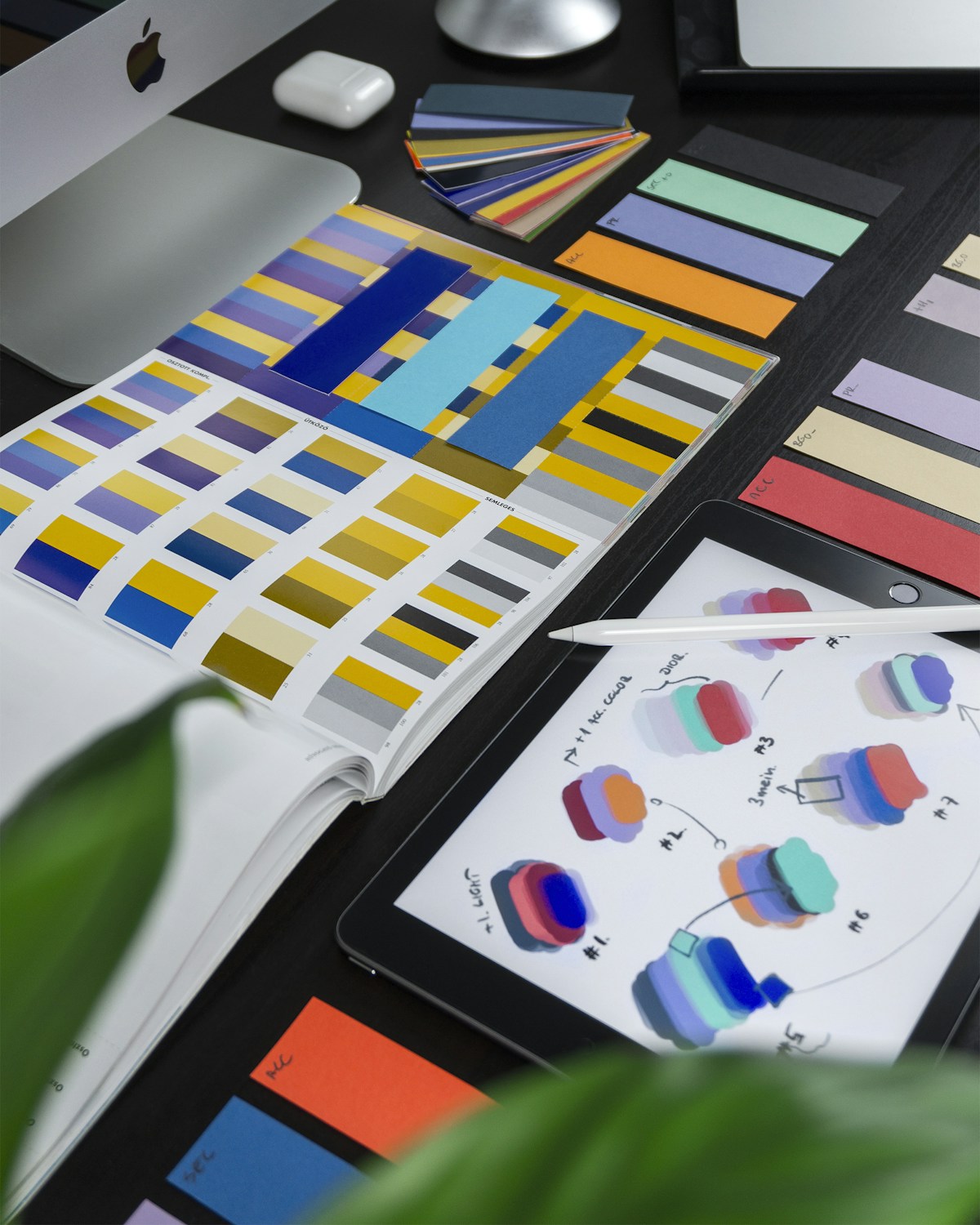
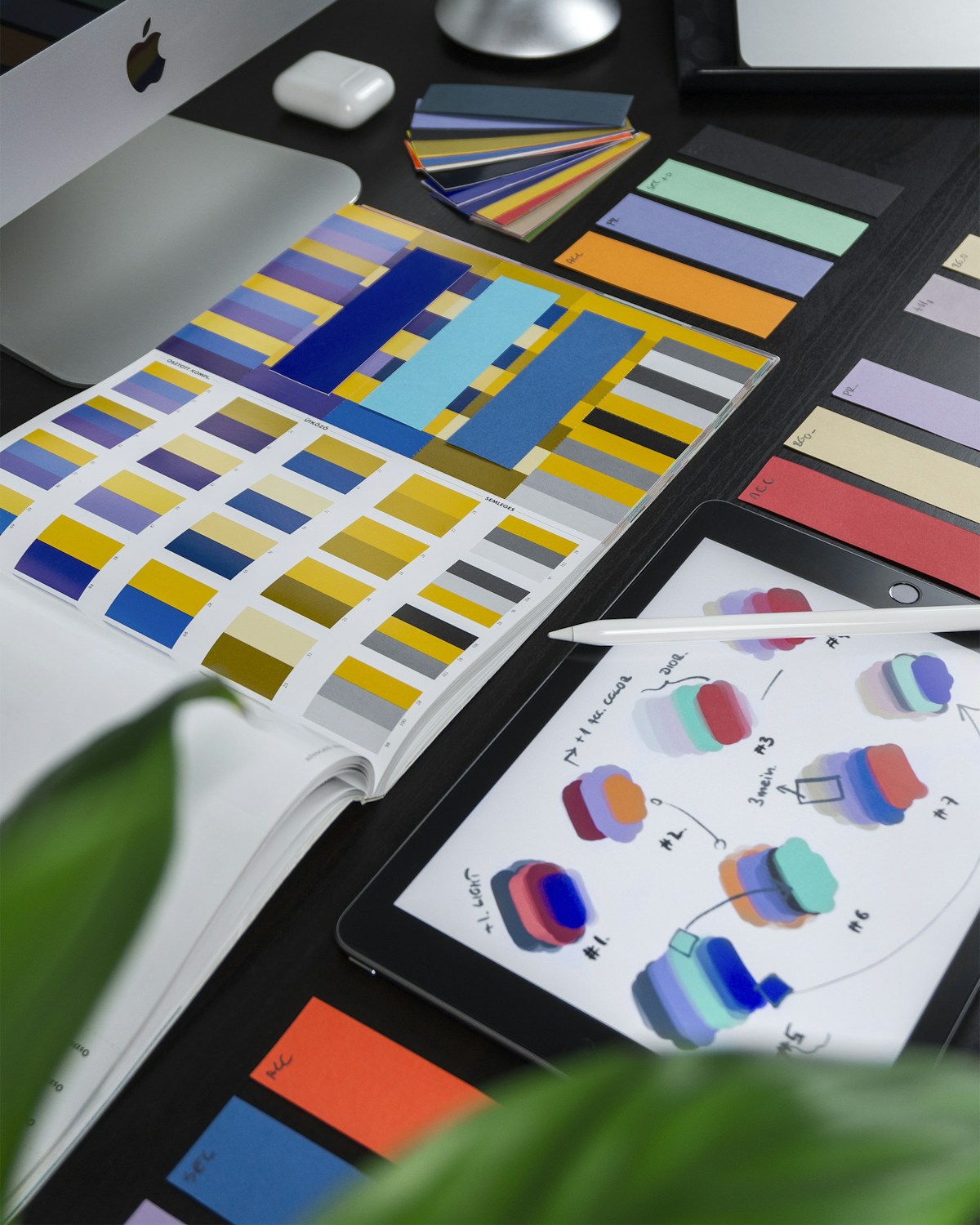
- Consistent brand system: Use 2–3 colors, 2 fonts (one display, one body), and consistent spacing throughout a template set
- Editable areas clearly marked: Use placeholder text like ‘[Your Name Here]’ and ‘[Add Your Photo]’ — buyers need to know what to customize
- Professional typography: Pair a serif display font with a clean sans-serif body font. Avoid using more than 2 fonts in any single template
- White space: Empty space is design, not wasted space. Templates with breathing room look more professional
- Multiple color variations: Include 3–5 color palette variations per template set — buyers love choice
Creating Your First Template Set (Instagram Bundle)
- Choose your niche: fitness, food, travel, business coaching, real estate
- Pick 3 colors: one dark, one light, one accent
- Pick 2 fonts: one for headlines, one for body
- Create 9 post templates: 3 quote cards, 3 promotional posts, 3 engagement posts
- Add 6 story templates: 2 announcement, 2 testimonial, 2 promotional
- Package as 15-template bundle — this is a strong, sellable quantity
Step 3: Etsy Shop Setup and Listing Optimization
Shop Name
Your shop name should suggest design, creativity, or templates — and be memorable. Examples: DesignedByYou, CanvaKits, TemplateHaven, PaperAndPixel, StudioMakeable. Check availability on Etsy before deciding.
Listing Title Formula
[Template Type] Canva Template | [Niche/Style] | [Key Feature] | Editable [Platform]
Example: ‘Instagram Post Canva Template Bundle | Minimalist Business | 30 Editable Templates | Social Media Kit’
Tags — All 13 Are Mandatory
Mockup Images — The Most Important Part of Your Listing
Buyers decide in 2 seconds based on your photos. You need:
- Mockup 1: Template displayed on a laptop or tablet screen (use Canva’s device mockup frames)
- Mockup 2: Close-up of the template design itself showing detail
- Mockup 3: Multiple templates shown together showing the full bundle
- Mockup 4: Color variations displayed side by side
- Mockup 5: Template shown in realistic context (on a phone screen, printed out)
Step 4: Driving Traffic to Your Shop
💡 Pro Tip: Pin every single listing photo to Pinterest with keyword-rich descriptions. Pinterest traffic to Etsy shops compounds over time — a well-pinned listing can drive traffic for years.
Realistic $500/Month Income Calculation
✅ $500/month is typically achievable by month 4–5 with consistent listing creation (5–10 new templates per week) and daily Pinterest promotion. Month 8–12 with this trajectory often reaches $1,000–2,000/month as the Etsy algorithm gives your shop more organic exposure.